
Introduction
Having a properly functioning garage door remote is essential for convenience and security. At Certain Garage Door Repair in Wellesley, MA, we understand how frustrating it can be when your remote isn’t working. Whether you've just purchased a new remote or need to reprogram an existing one, this guide will equip you with the knowledge you need. Let’s delve into the steps and tips on how to program your garage door remote effectively.
Understanding Your Garage Door Remote
Before we get into the nitty-gritty of programming, it's crucial to understand the components involved in your garage door system:
- Remote Control: The handheld device you use to open and close your garage door.
- Receiver: The unit installed in your garage that receives the signals from the remote.
- Garage Door Opener: The motorized device that physically opens and closes the door.
Types of Garage Door Remotes
There are mainly two types of remotes:
- Fixed Code Remotes: These use a specific code that doesn’t change.
- Rolling Code Remotes: These generate a new code every time you use them for enhanced security.
Step-by-Step Guide to Programming Your Garage Door Remote
Here’s how to program your garage door remote, broken down into easy-to-follow steps:
Step 1: Gather Necessary Tools
Before you start, ensure you have:
- Your garage door remote
- Access to the garage door opener unit
- A ladder (if needed for access)
Step 2: Locate the Learn Button
The learn button is usually found on the back or side of the garage door opener. It’s often a colored button (usually red, purple, or yellow). Make sure you have clear visibility and access to this button.
Step 3: Clear Existing Codes (if necessary)
If you suspect that your remote isn’t working due to a code conflict, you may need to clear all codes:
- Press and hold the learn button until the LED light turns off.
- This action erases all remote codes from the system.
Step 4: Program Your Remote
Now, let’s program the remote:
- Press and release the learn button. The LED light should turn on.
- Within 30 seconds, press and hold the button on your remote that you want to program.
- Release the button when you see the LED light blink and then turn off. This indicates that the remote has been successfully programmed.
Step 5: Test Your Remote
Finally, test your remote by pressing the programmed button. If your garage door opens or closes, congratulations! You've successfully programmed your remote.
Troubleshooting Common Issues
If your remote isn’t working after programming, here are some troubleshooting tips:
- Ensure the batteries in the remote are fresh and properly installed.
- Double-check that you pressed the learn button and remote button correctly.
- Look for any obstructions or issues with the garage door opener itself.
- Consult your garage door manual for specific instructions.
When to Call a Professional
If you’ve tried programming your remote multiple times without success, it may be time to call in the experts. Certain Garage Door Repair in Wellesley, MA, offers professional assistance for all garage door-related issues. Here are some signs indicating you might need help:
- Remote programming fails repeatedly.
- Your garage door opener makes unusual sounds.
- The door doesn’t respond to the remote or wall switch.
Statistics and Facts about Garage Doors
Here are some interesting industry statistics:
- Approximately 70% of homes in the U.S. have a garage door.
- Garage door remotes are responsible for over 90% of door operations.
- Regular maintenance can extend the life of your garage door by up to 30%.
Conclusion
Programming your garage door remote doesn’t have to be a daunting task. By following these steps, you can ensure your remote is working effectively. If you encounter any challenges or need assistance, don’t hesitate to reach out to Certain Garage Door Repair in Wellesley, MA. Our team is here to help keep your garage door secure and functioning smoothly.
Call to Action
For expert garage door repair services or assistance with your garage door remote, contact Certain Garage Door Repair today. Let us help you keep your home safe and accessible!
Explore More Resources
Related Articles
Service Areas
We proudly serve Wellesley, Wellesley Hills, Newton Lower Falls, Needham Heights, Needham and more areas.
Our Services
Professional garage door repair, spring repair, opener installation and more. View all services →

Choosing the Right Garage Door for Your Climate: A Guide by Certain Garage Door Repair
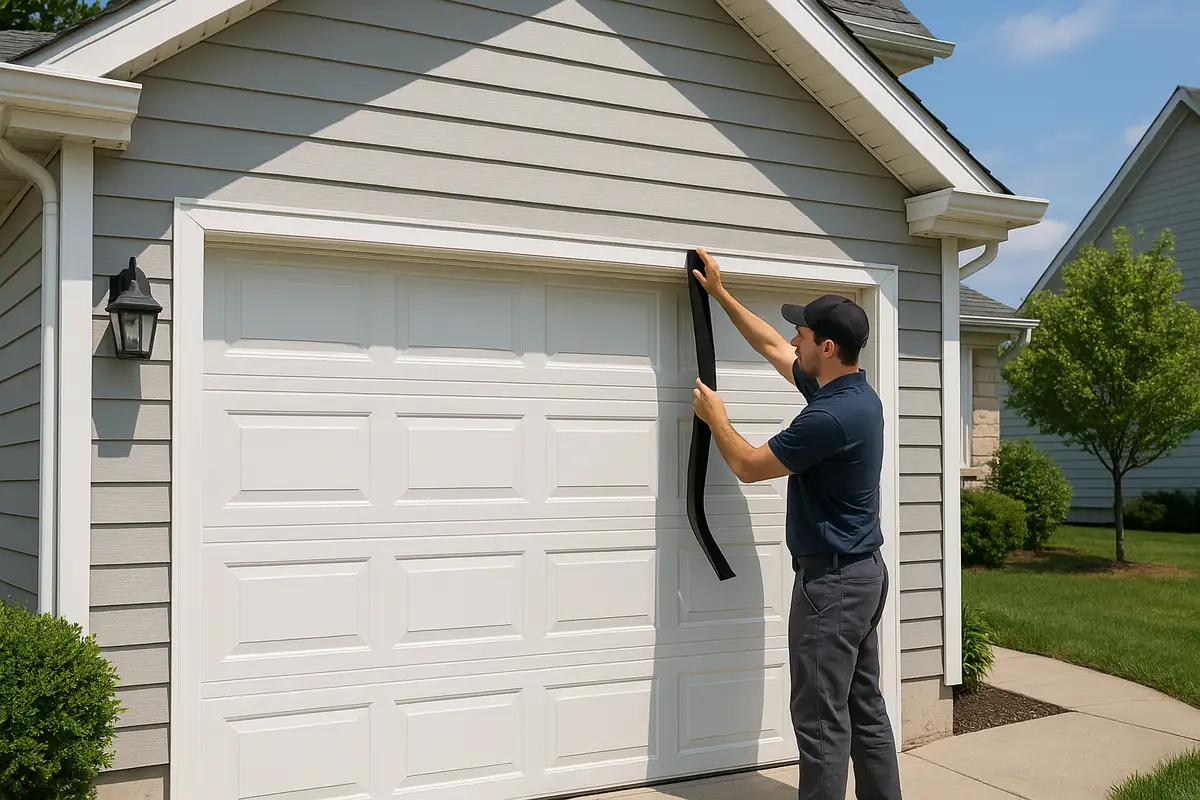
Seasonal Garage Door Maintenance Checklist: Ensure Longevity with Certain Garage Door Repair in Wellesley, MA